
How it works
- Choose your resume. Upload a Word or PDF file — or build one with our AI resume builder. You can combine up to four.
- Add pictures (optional). Screenshots, project photos, certificates or a headshot — or describe one and AI makes it.
- Pick your web address and color. Choose what to show: email, phone, city, LinkedIn, a resume download.
- Click Build. In about a minute your portfolio is live. Edit any text for free, then share your link.
Why a portfolio website helps you get hired
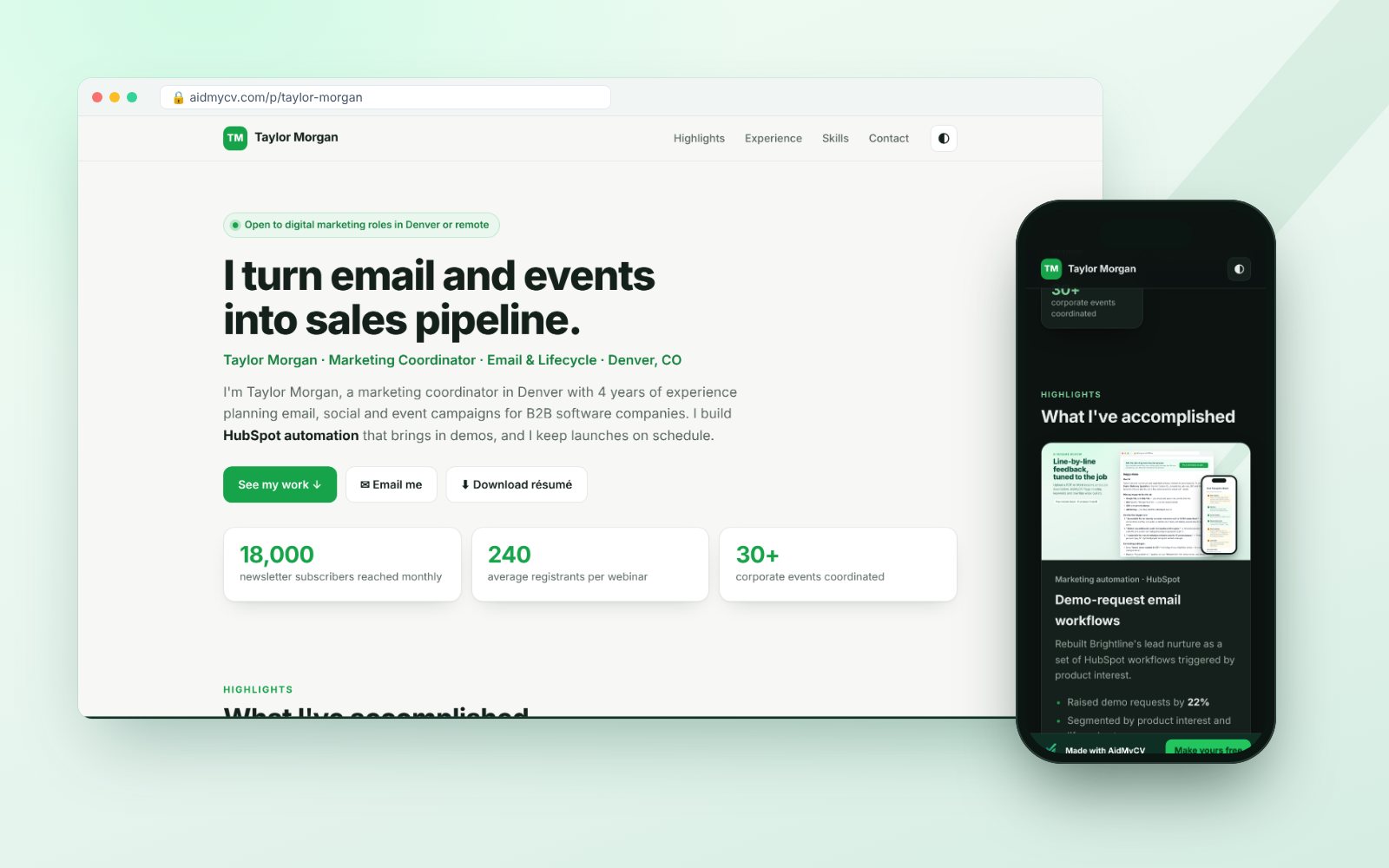
- It shows, not just tells. Highlight cards, numbers and pictures make your results easy to see in seconds.
- It sets you apart. Most applicants send only a resume. A link to your own site signals effort and confidence.
- Recruiters can find you. Let Google list your page so people searching your name find your best work first.
- One link for everything. Put it on your resume, LinkedIn, email signature and job applications.
Frequently asked questions
Do I need to know how to code or design?
No. Choose your resume and click Build. AI writes the whole site — headline, introduction, highlights, experience, skills and contact section — and lays it out for you. You can change any word afterwards by typing in a simple form.
Is hosting really free?
Yes. Your portfolio stays online for free for as long as you like. Free accounts show a small “Get your free portfolio page at aidmycv.com” banner at the top of the page. Members with a monthly plan, or credits left from a credit pack, have no banner — if the plan ends or the credits run out, the banner simply comes back.
How much does building it cost?
Building uses 2–5 credits: 2 for most resumes, +1 for a long resume or several resumes combined, +1 for a very long one, and +1 (once) if you add more than 3 pictures. You see the exact price before you click Build. Editing is free, and AI pictures are 2 credits each. New accounts get 5 free credits.
What will my web address be?
aidmycv.com/p/your-name — you choose it. Put it on your resume, your LinkedIn profile and your email signature.
Will the AI make things up?
No. It uses only what is in your resume (and anything you tell it to emphasize). It never invents employers, dates, numbers, degrees or skills.
Is my phone number shown?
Not unless you turn it on. You choose whether to show your email, phone, city and LinkedIn, and whether visitors can download your resume (off by default). You can unpublish your page at any time.
Can I add pictures?
Yes — upload screenshots of your work, project photos or a headshot, or describe a picture and our AI image generator will make one for you (2 credits each).
Will Google find my portfolio?
If you allow it (on by default), Google can list your page so recruiters find you when they search your name. You can turn this off anytime.
Build your portfolio today
Create a free account and get 5 credits — enough to build your portfolio.